GravesDiary
GravesDiary is a diary for Windows that helps you remember your life and keeps what you write for your eyes only.
Get it from the Microsoft Store Available now for Windows 10 and 11.Private by design. Your diary is always encrypted on your computer, with a password or without one, and it never goes to GravesWare: there is no account, no server of ours, no tracking and no ads. Whatever GravesDiary writes to your sync folder is encrypted with your own sync passphrase, so the service holding that folder can't read it. Photos you open are shown from memory and never left in a temporary file.
What it does
Write
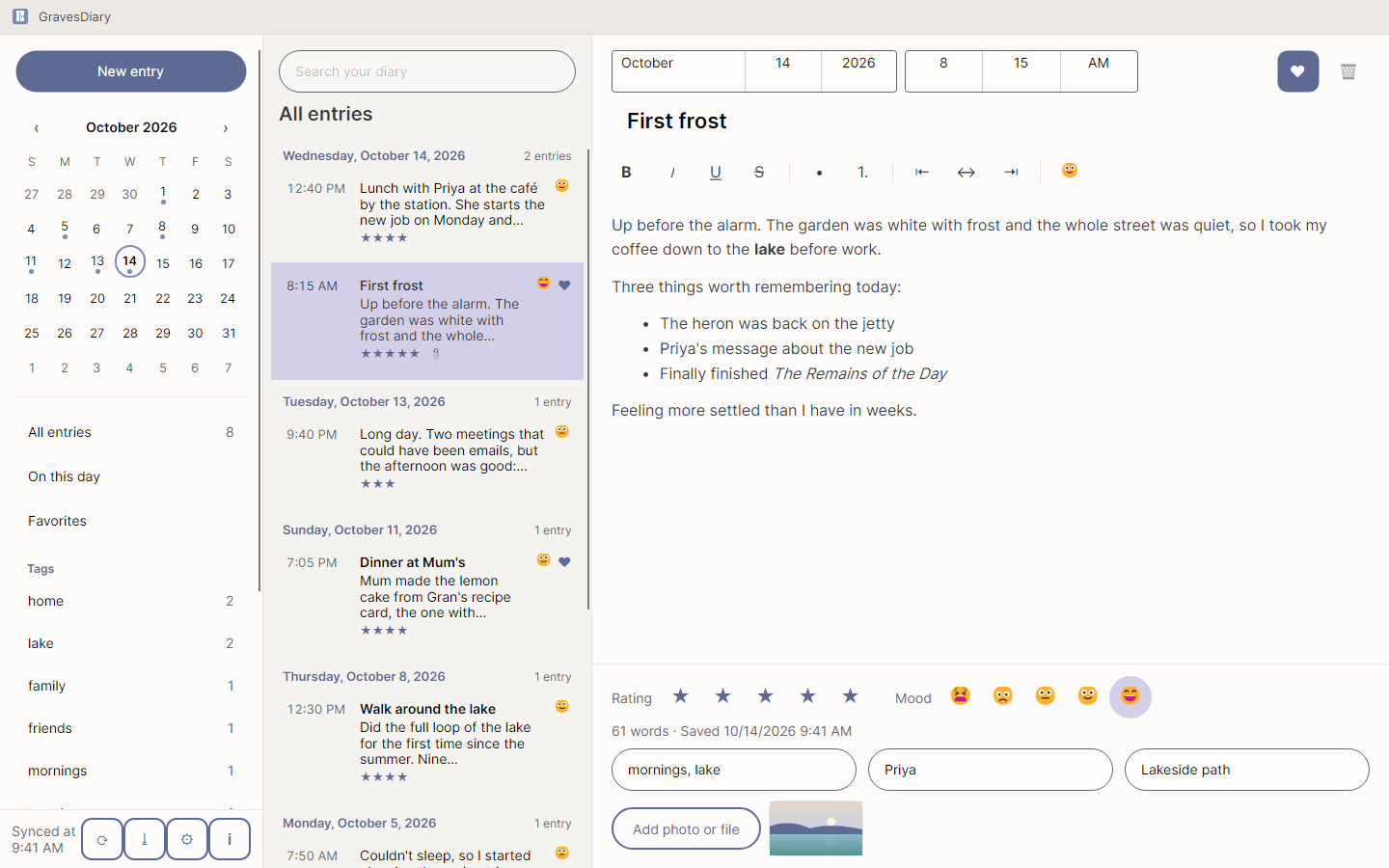
Separate entries, each stamped with its date and time, as many a day as you like, with bold, italic, lists and alignment. Choose a format and keep typing.
Remember
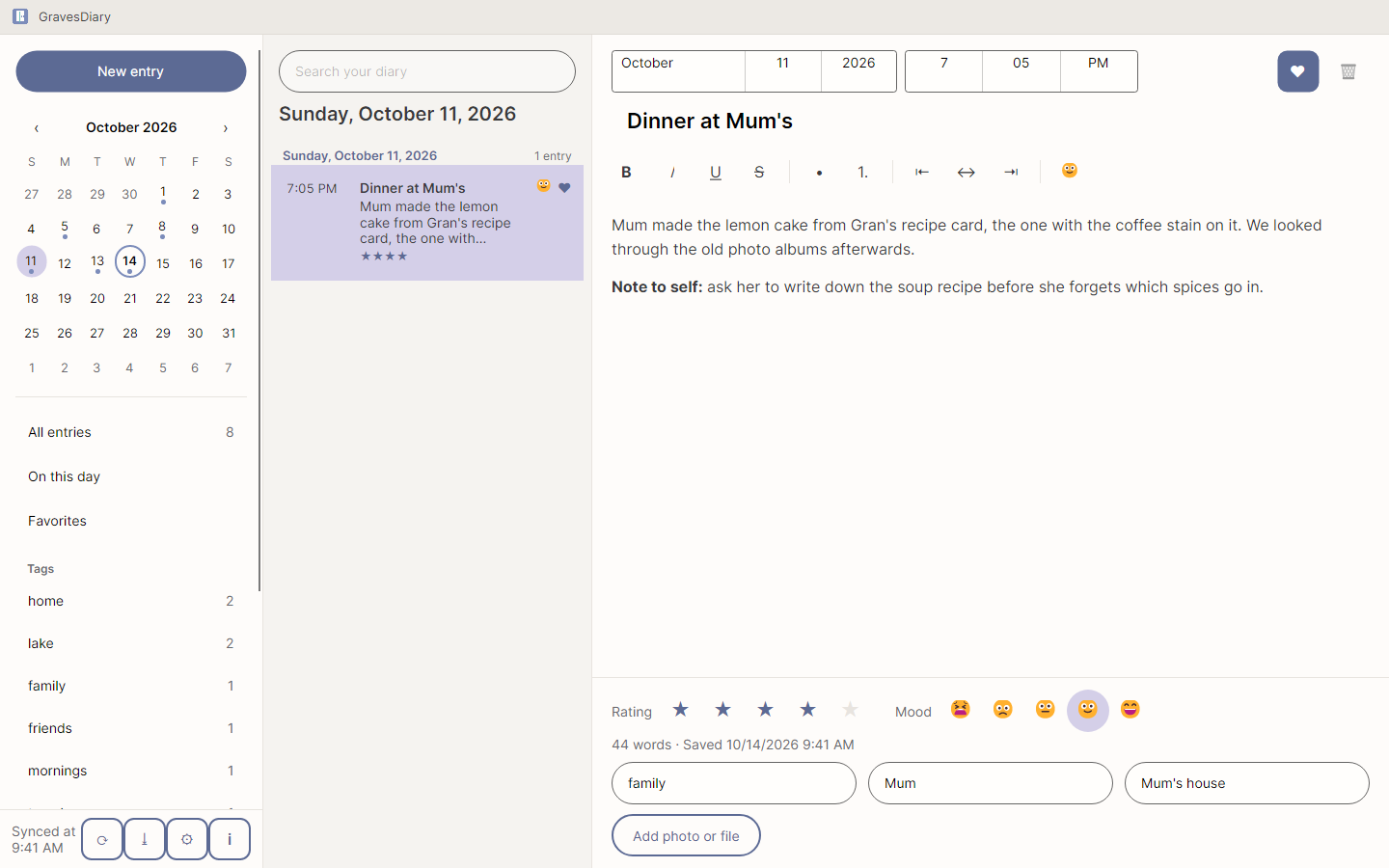
Rate the day, pick a mood, add tags, the people you were with and where you were. Hundreds of emoji, from the toolbar or the right-click menu, in nine categories.
Photos and Files
Attach photos and files to an entry. They are kept inside the encrypted diary, and a photo you open is shown from memory, never left in a temporary file.
Find
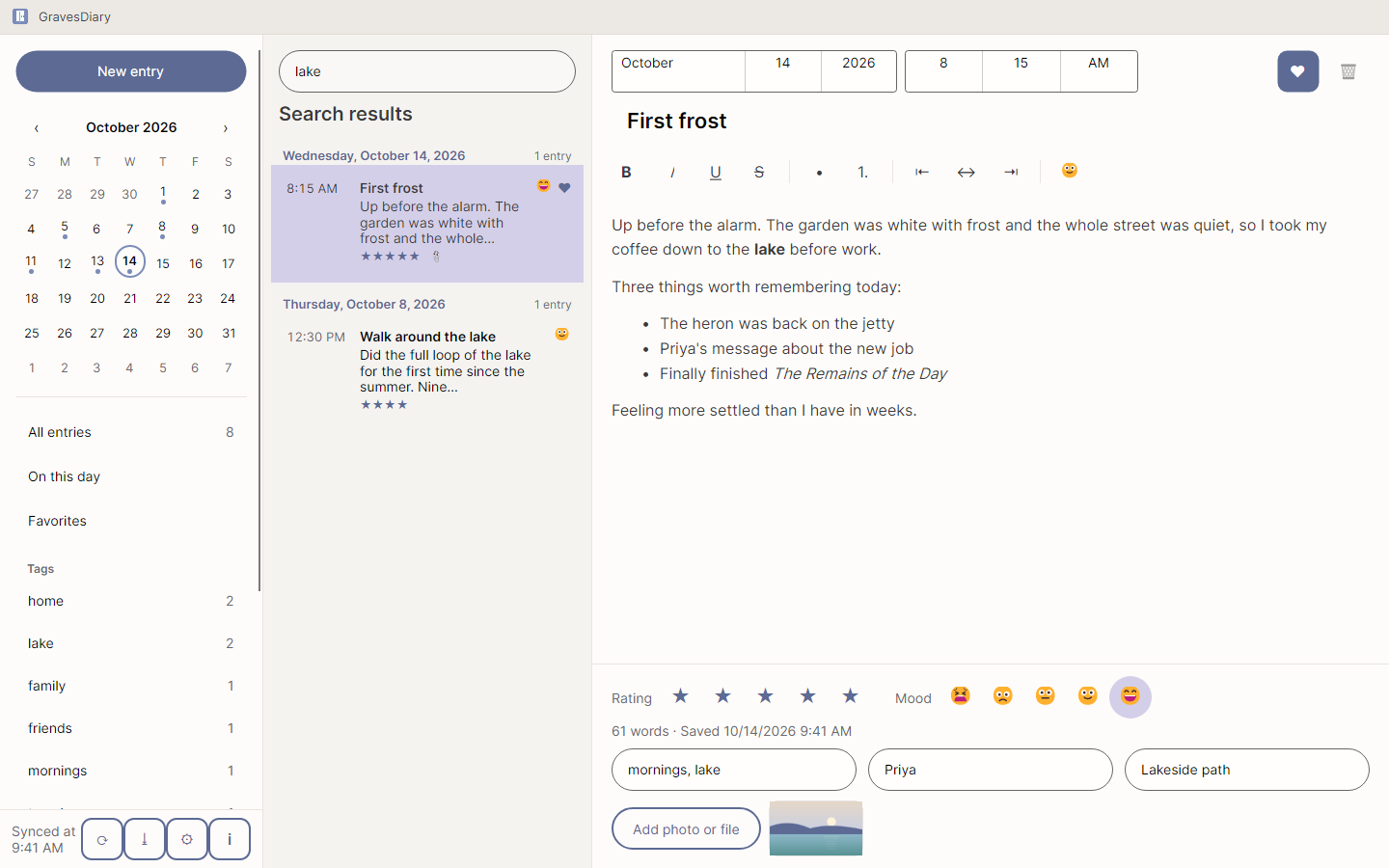
A timeline with a heading for each day, a calendar that marks every day you wrote, full-text search across everything, “On this day” from earlier years, favorites, and every tag and person in the sidebar.
Autosave
There is no Save button to forget. Every change is saved as you write.
Sync
Choose a folder in OneDrive, Dropbox, Google Drive, Syncthing or on your network, and every computer that uses it sees the same diary. Everything GravesDiary writes there is encrypted with your sync passphrase, so the service holding the folder cannot read it.
Nothing Lost
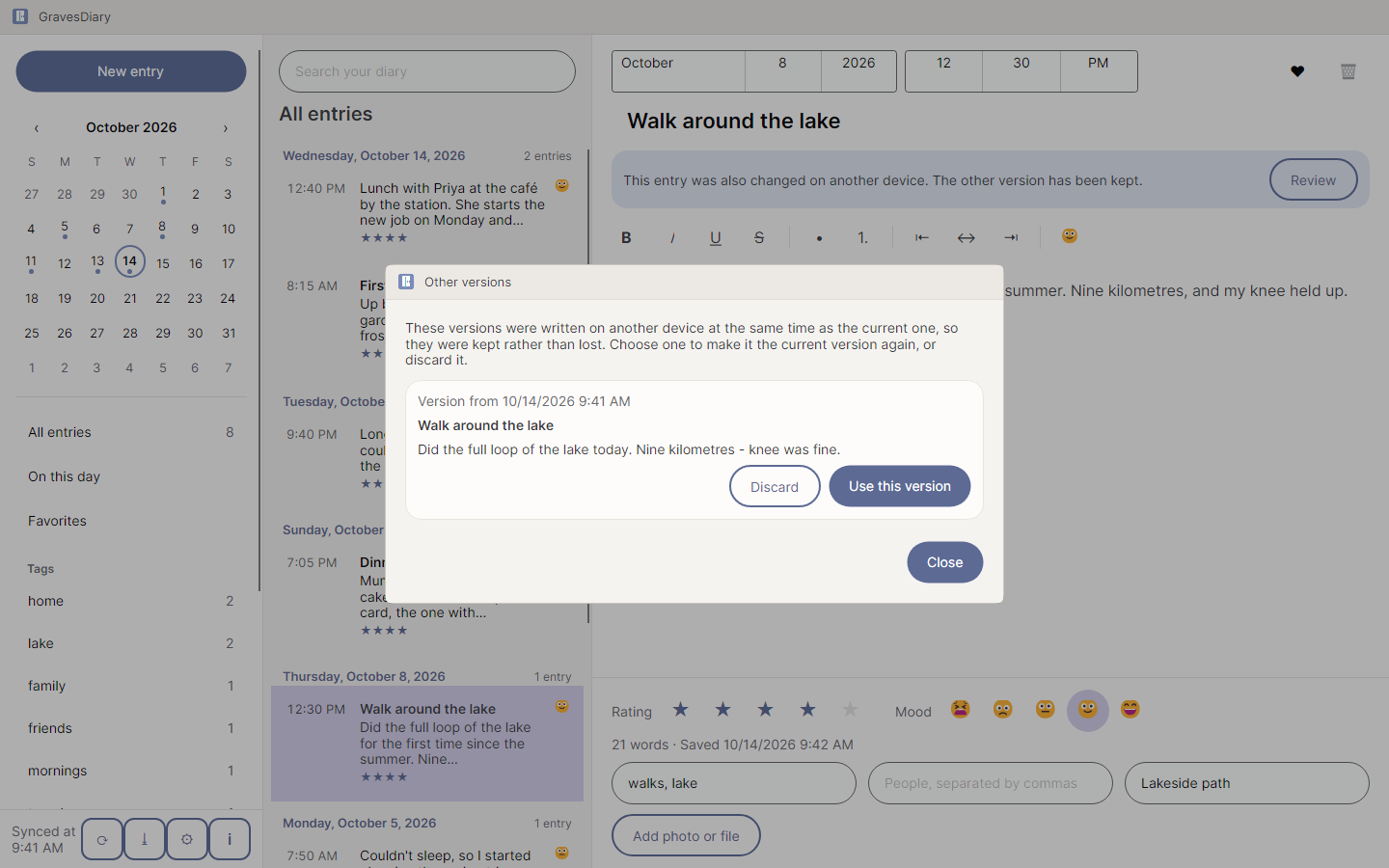
If you change the same entry on two computers before they sync, both versions are kept and you choose.
Backup
One encrypted file per backup, in a folder you choose — this computer, a USB drive, a cloud folder — made on demand or once a day. A backup restores onto a new computer with the backup passphrase alone.
Export
One entry, a day or the whole diary as a web page for reading and printing, plain text, Markdown or JSON.
55 Languages, Built for Everyone
55 languages, right to left for Arabic, Persian, Urdu, Sindhi and Uyghur. Every control labeled for screen readers, full keyboard use, and light and dark colors that step aside for Windows high contrast.
A look around
What a forgotten password means
A forgotten diary password, sync passphrase or backup passphrase cannot be recovered by anyone, GravesWare included. There is no backdoor, no recovery key and no reset. That is what keeps the diary private.
What GravesDiary will never do
- Send your entries, photos, tags or the names of the people you write about to GravesWare.
- Collect telemetry, analytics, or crash reports.
- Check for updates, or call home about a licence.
- Require an account, a subscription, or a sign-in.
- Show you an advertisement, or embed a third-party tracker.
- Keep a copy of your password or passphrases, or offer a reset that could only exist if someone else held your key.
GravesDiary is available in the Microsoft Store for Windows 10 and 11, as a one-time purchase of $5.99.
Read the user manual, the privacy statement, or the user agreement — all three ship inside the application, in the About window.