GravesZIP
GravesZIP is a ZIP tool for Windows that makes it easy to open ZIP files, pack your own, and lock them with a password so only the right people can open them.
Get it from the Microsoft Store Available now for Windows 10 and 11.Private by design. GravesZIP makes no network connections of any kind. There is no account to create and nothing to sign in to, and your files and passwords never leave your computer.
The archives it writes are standard ZIP files. An encrypted one opens in any program that supports ZIP’s AES-256 encryption — including the password-protected messages GravesMail sends.
What it does
Open
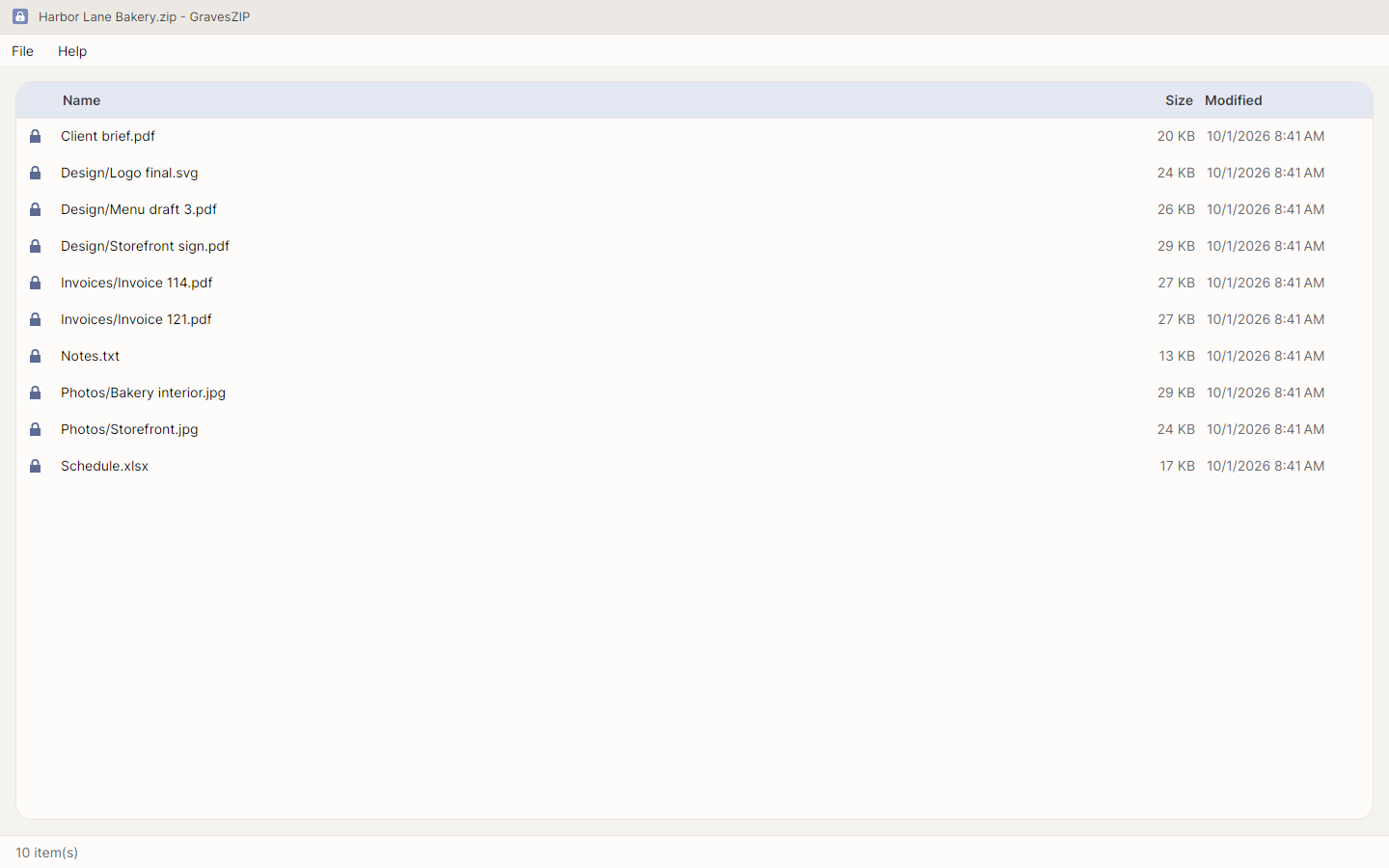
See what is inside a ZIP archive straight away, with a padlock on every encrypted item.
Create
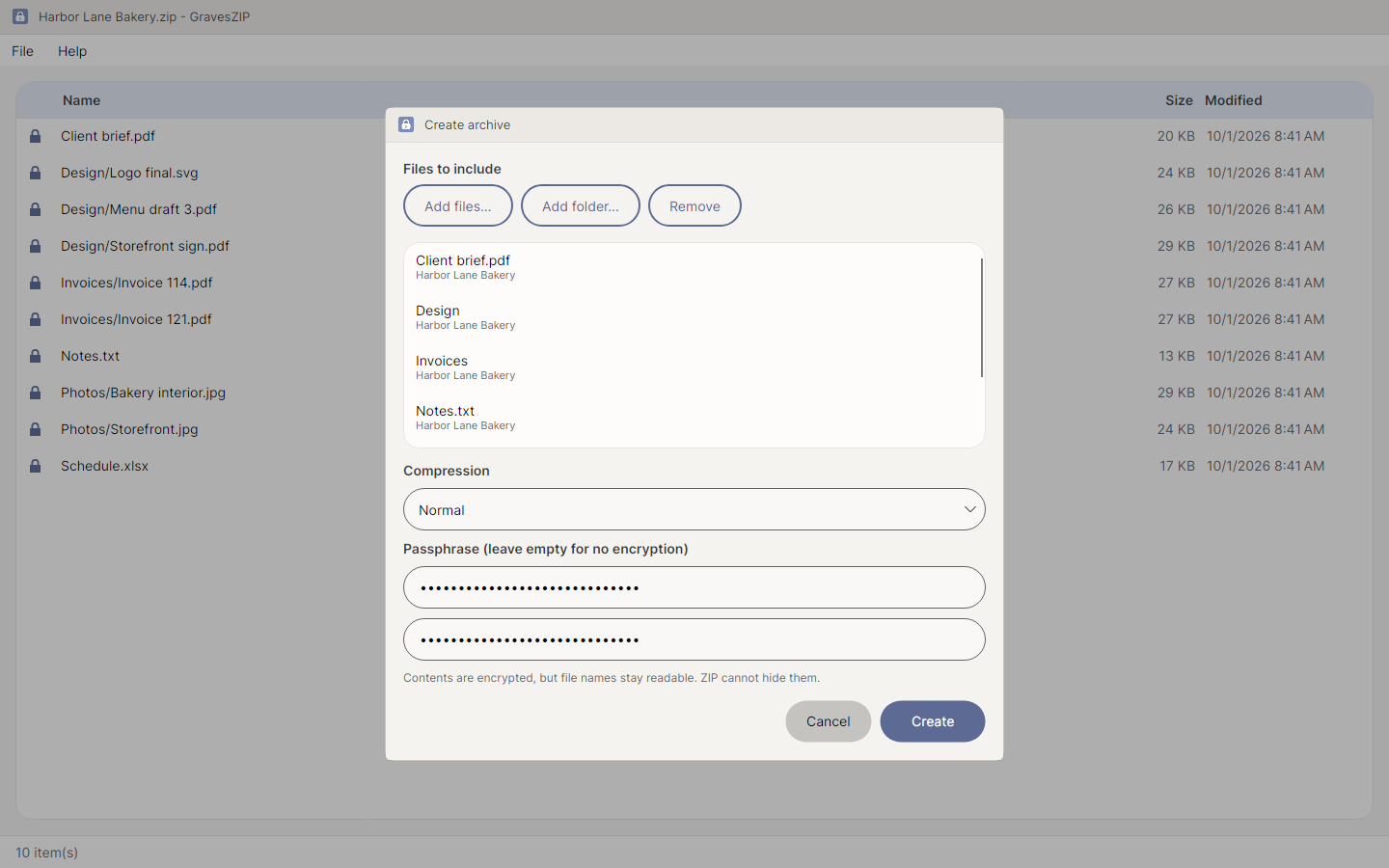
Pack files and folders, with three plain compression settings: none, normal and maximum.
Encrypt
AES-256 whenever you set a passphrase. GravesZIP never writes ZipCrypto, the original ZIP cipher that falls in seconds, and has no setting for it.
Extract
Everything, or only what you select. Selecting a folder brings its contents.
Test
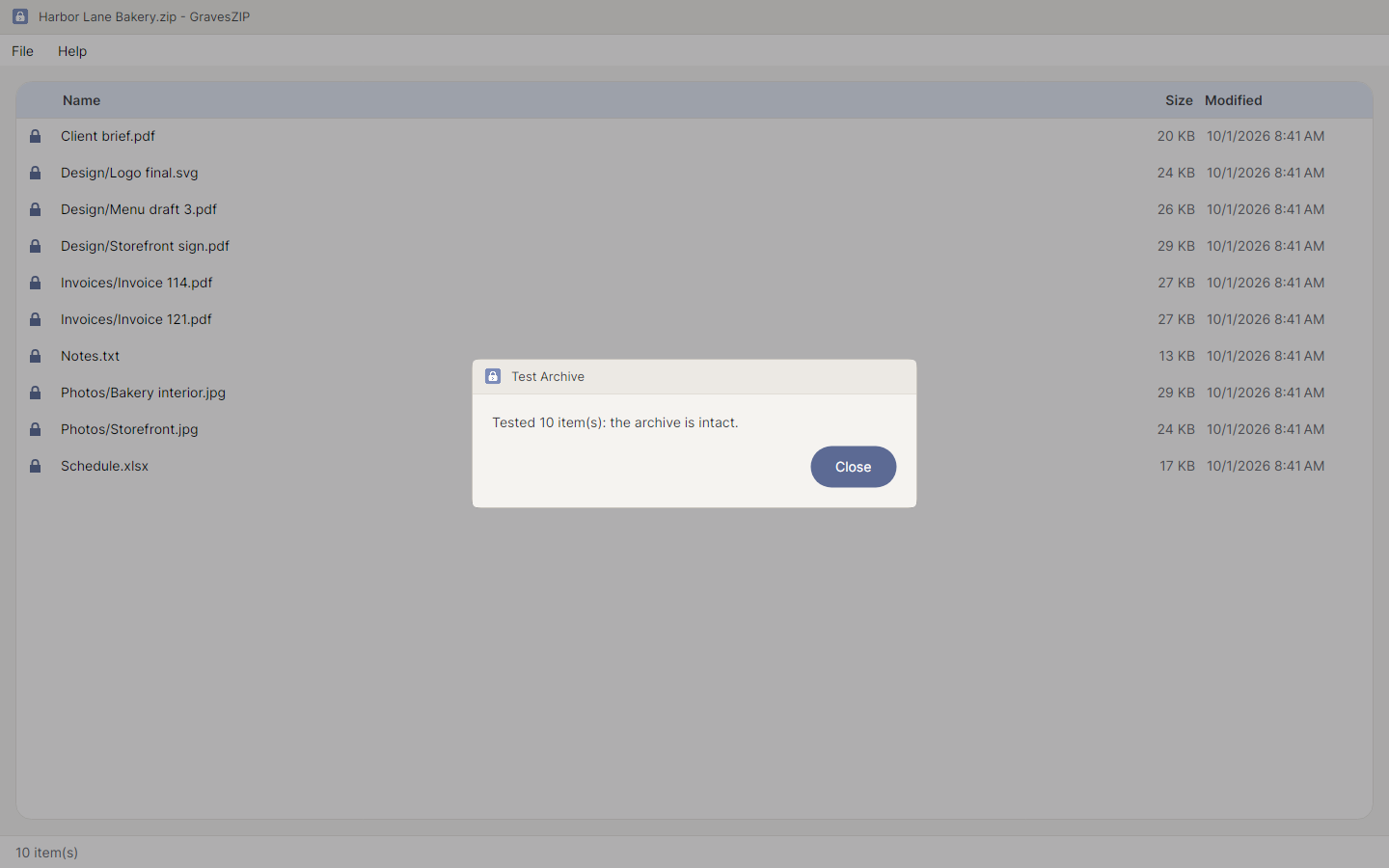
Check every item against its stored checksum, without writing anything to disk.
Safe Extraction
An archive that tries to write outside the folder you chose is refused in full, so a hostile archive cannot half-land on your computer.
Right-Click and Keyboard
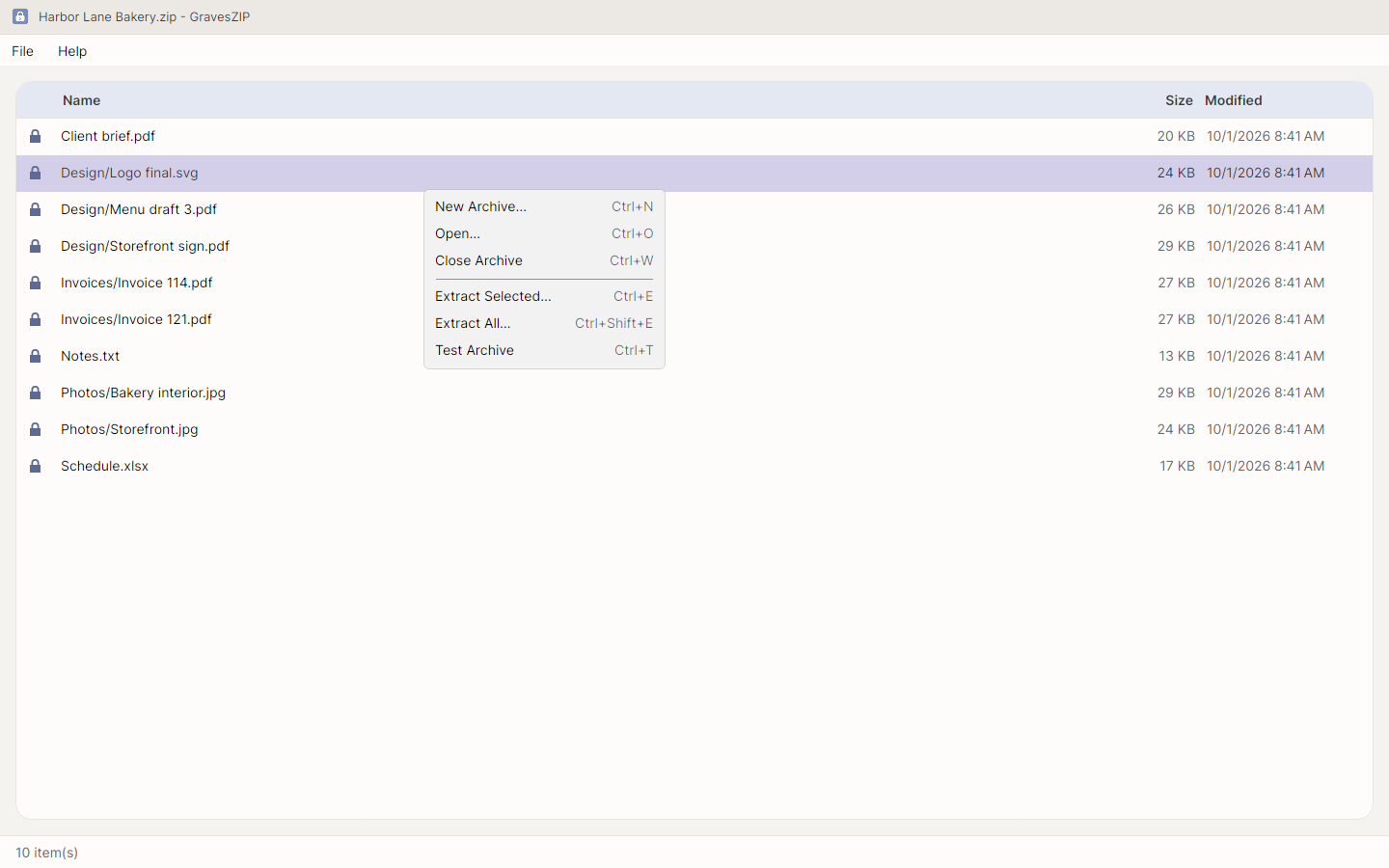
A right-click menu and keyboard shortcuts for every action.
55 Languages, Built for Everyone
55 languages, right to left for Arabic, Persian, Urdu, Sindhi and Uyghur, every control labeled for screen readers, and text that meets WCAG AA contrast.
Private
No network connections of any kind. No account, no telemetry and no ads; your archives and passphrases never leave your computer.
A look around
Honest about what ZIP encryption covers
Encryption protects the contents of each file, but the ZIP format cannot hide file names, sizes or dates — and GravesZIP tells you so when you set a passphrase. If you ask for an encrypted ZIP with the listing hidden, it refuses rather than quietly writing a readable one. A forgotten passphrase cannot be recovered by anyone, GravesWare included.
What GravesZIP will never do
- Connect to the internet. It makes no network connections of any kind.
- Collect telemetry, analytics, or crash reports.
- Check for updates, or call home about a licence.
- Require an account, a subscription, or a sign-in.
- Write your passphrase to disk, or offer to “remember” it.
- Encrypt with ZipCrypto, the legacy ZIP cipher that falls in seconds.
GravesZIP is available in the Microsoft Store for Windows 10 and 11, as a one-time purchase of $3.99.
Read the user manual, the privacy statement, or the user agreement — all three ship inside the application, under the Help menu.